


FleetCam Dashcam Quick Start
Follow these 3 easy steps to get your FleetCam dash cam up and running.
Step 1
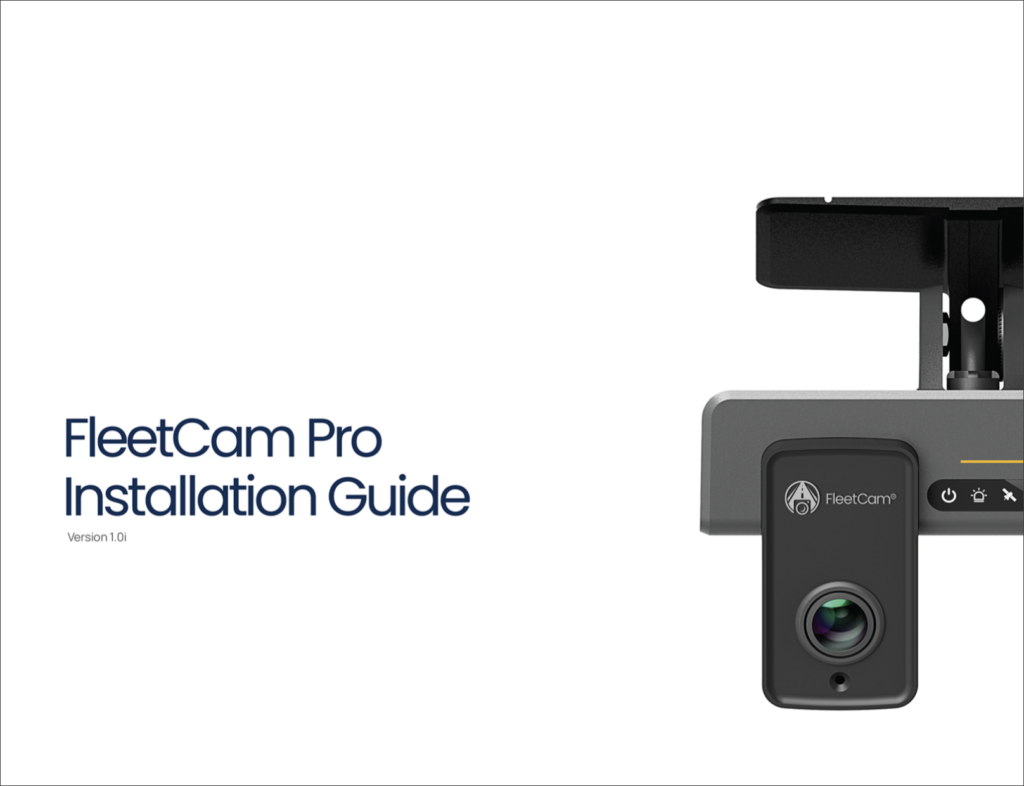
Follow the FleetCam Installation Guide.
Step 2
Install the Titan App for Android or iOS.
Step 3
Login to Titan App with the credentials emailed to the account holder to calibrate the camera.

Enjoy your FleetCam!
Need more help?