


Messaging guide
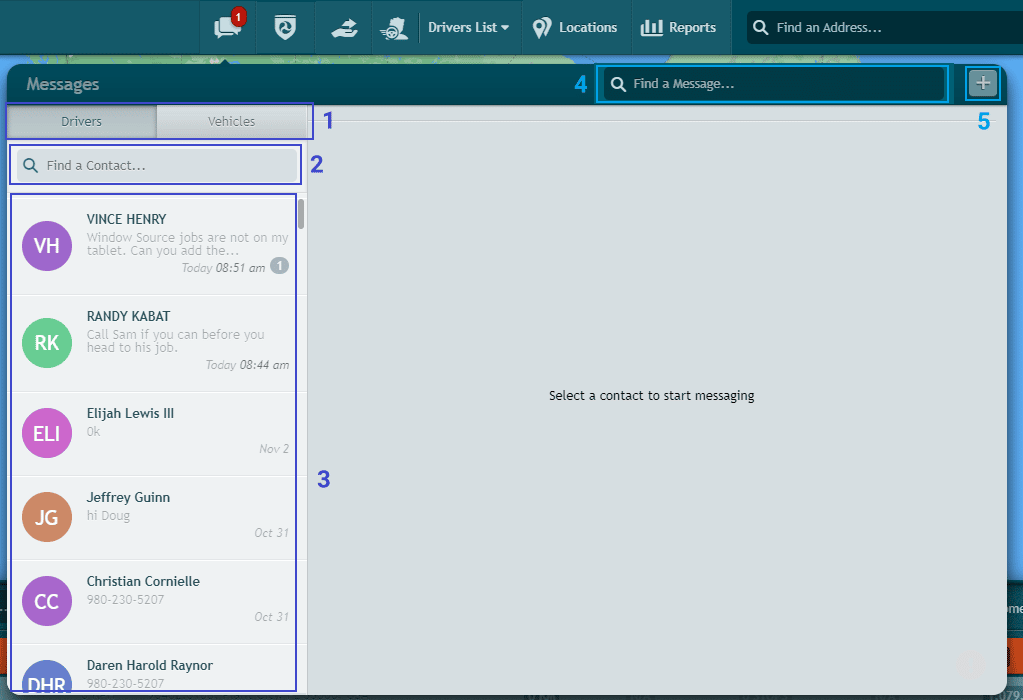
Access Messages by clicking on the Messages icon in the upper part of the main Intellihub Dashboard.

On the messages screen, you can:
1) Pull up a list of Drivers or Vehicles on your account to message
2) Search the list for a contact
3) View your message threads
4) Search for a message
5) Send a group message
You can set a message to High Priority by toggling the exclamation point icon. If it’s solid red, the message will be High Priority.
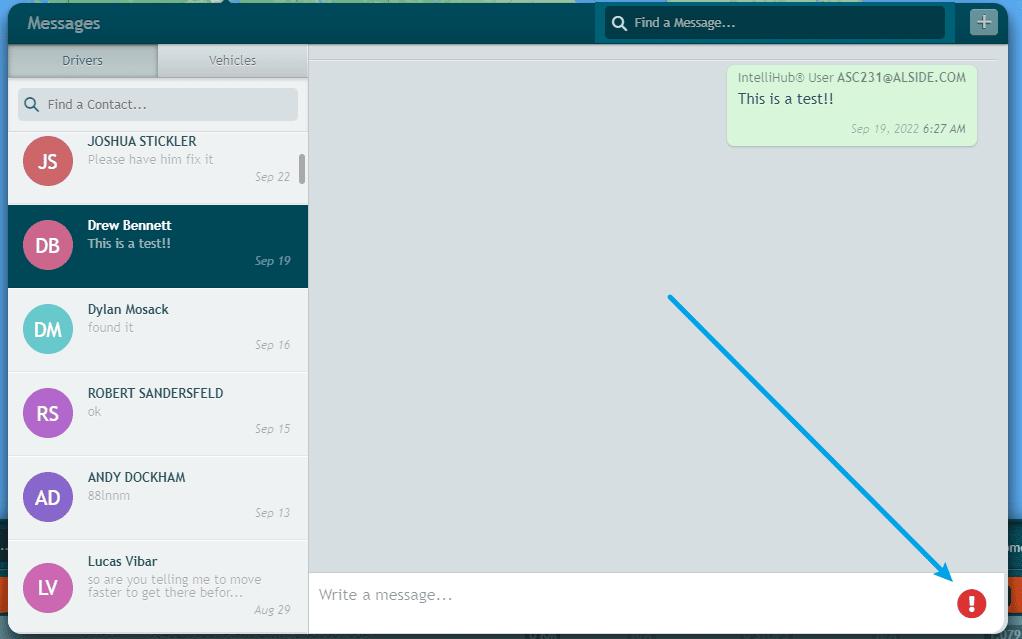
When you’ve finished composing your message, press the Enter button on your keyboard to send it.
Need more help?